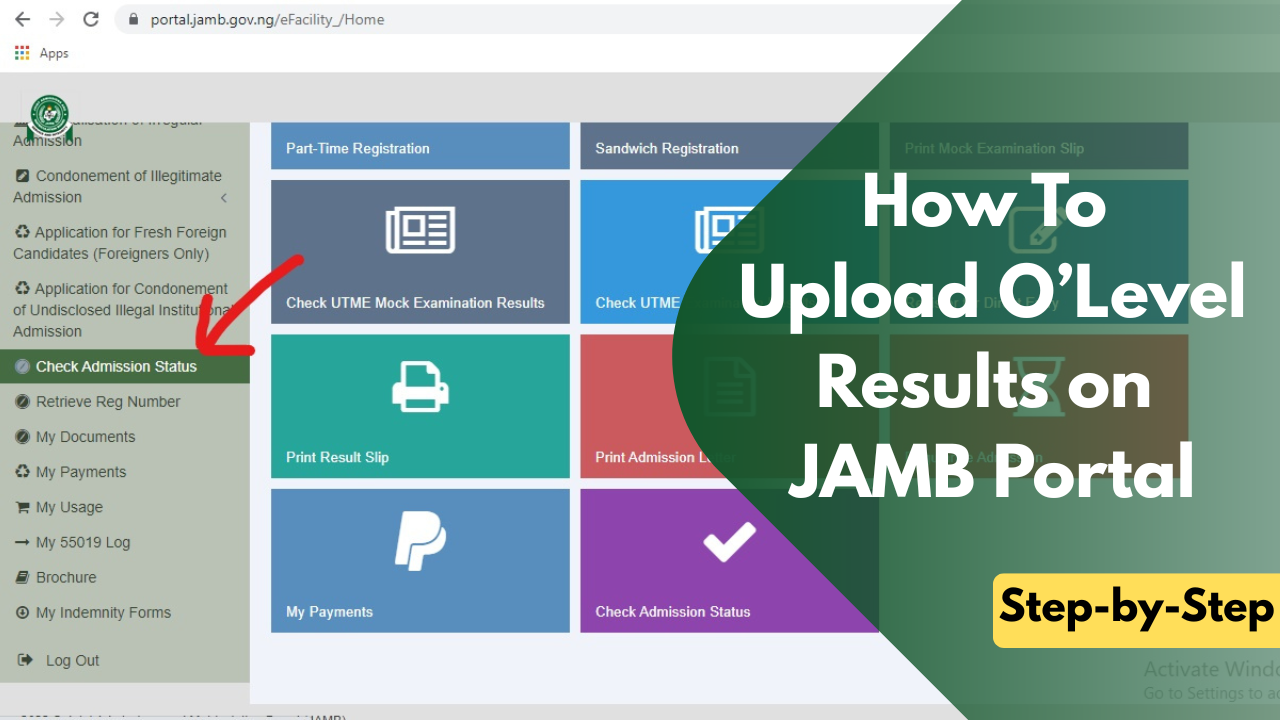
How To Upload O’Level Results on JAMB Portal
Uploading your O'Level result to the JAMB portal is an important part of the admission process for candidates seeking admission into Nigerian universities, polytechnics, and colleges of education. JAMB uses your uploaded WAEC, NECO, NABTEB, or GCE result to confirm that you meet the O'Level requirements for your chosen course before your admission can be processed.
If you registered for the 2026 UTME or Direct Entry (DE), it is important to know whether your O'Level result has been uploaded or if you still need to complete the process. Candidates who registered with an available result usually have it uploaded during JAMB registration, while those who used Awaiting Result (AR) are expected to upload their results once they are released.
In this guide, you'll learn who needs to upload an O'Level result, when to do it, the requirements you'll need, how to upload your result through an accredited JAMB CBT centre, and how to confirm that the upload was successful.
Who Needs to Upload Their O'Level Results?
Not every JAMB candidate is required to upload an O'Level result after registration. Whether or not you need to do so depends on how you registered and whether your result was available at the time. If you fall into any of the categories below, you should ensure your O'Level result is uploaded to the JAMB portal.
- If you did not have your WAEC, NECO, NABTEB, or GCE result when registering for JAMB, you most likely selected Awaiting Result (AR). Once your examination result is released, you must visit an accredited JAMB CBT centre or JAMB office to upload it to your JAMB profile.
- Even if you believe your result was uploaded, it is still advisable to confirm that it appears on your JAMB profile. If your O'Level details are missing or your CAPS profile still displays Awaiting Result, you should return to an accredited CBT centre to have the issue resolved.
- If your chosen institution accepts two sittings and you intend to combine results, such as WAEC and NECO, both results should be uploaded to your JAMB profile. This allows your institution to verify all the required subjects before considering you for admission.
When Should You Upload Your O'Level Result?
- If your WAEC, NECO, NABTEB, or GCE result is already available when registering for JAMB, it is usually uploaded by the accredited CBT centre during your registration. Before leaving the centre, confirm that the operator has included your O'Level details.
- Candidates who registered with Awaiting Result should upload their results immediately after they are released. This ensures that the information is available on the JAMB portal before the admission process begins.
- Many universities, polytechnics, and colleges verify candidates' O'Level results during Post-UTME screening and admission processing. Uploading your result before this stage helps prevent unnecessary issues.
Requirements for Uploading O'Level Results
Before visiting a JAMB CBT centre or JAMB office, ensure you have the necessary information and documents. These include
- Your JAMB Registration Number.
- Your WAEC, NECO, NABTEB, or GCE result.
- Your examination number.
- Your examination year.
- The phone number used during JAMB registration.
- A valid means of identification, if requested.
- The required service fee charged by the CBT centre, where applicable.
How to Upload O'Level Results on the JAMB Portal
Uploading your O'Level result is done through an accredited JAMB CBT centre or a JAMB office. Follow the steps below.
- Go to any accredited JAMB CBT centre or the nearest JAMB office. Avoid using cybercafés or unapproved registration centres, as they are not authorized to upload O'Level results.
- Tell the operator that you want to upload your O'Level result to your JAMB profile. You will be asked to provide your JAMB Registration Number.
- Present your WAEC, NECO, NABTEB, or GCE result. The operator will enter your examination details and upload your grades to the JAMB portal.
- Before the upload is completed, carefully check your:
- Name
- Examination body
- Examination number
- Examination year
- Subjects
- Grades
- Confirm that every detail is correct before the operator submits the information.
- Once everything has been confirmed, the operator will complete the upload. The process usually takes only a few minutes.
- After the upload has been completed, request a printout or confirmation slip from the CBT centre. Keep it safe as proof that your O'Level result has been uploaded successfully.
How to Check if Your O'Level Result Has Been Uploaded Successfully
After uploading your result, it is important to confirm that it reflects on your JAMB profile. You can do this by following these steps:-
- Visit the JAMB eFacility portal.
- Log in with your registered email address and password.
- Click Check Admission Status.
- Select Access My CAPS.
- Open the My O'Level section.
- Confirm that your subjects and grades are displayed correctly.
If your result appears correctly, your upload was successful.
What to Do if Your O'Level Result Is Not Showing on JAMB CAPS
If your uploaded result is not showing on CAPS, don't panic. There are several steps you can take to resolve the issue.
- Wait for a short period, as uploads may take some time to reflect.
- Return to the accredited CBT centre where the upload was carried out.
- Ask the operator to confirm that the upload was successful.
- Request another upload if necessary.
- If the issue persists, visit the nearest JAMB office for assistance.
Avoid waiting until admission has started before trying to fix the problem.
Frequently Asked Questions (FAQs)
Is it compulsory to upload my O'Level result to the JAMB portal?
Yes. Every candidate must ensure that their required O'Level result is available on the JAMB portal before admission can be processed.
Can I upload my O'Level result by myself?
No. O'Level results are uploaded through accredited JAMB CBT centres or JAMB offices.
Can I upload both WAEC and NECO results?
Yes. If your institution accepts two sittings, both results can be uploaded and used for admission.
How long does it take for the upload to reflect?
In most cases, the upload reflects within a short time, although it may occasionally take longer depending on JAMB's system.
Can I upload my O'Level result more than once?
Yes. If you registered with Awaiting Result or need to correct an earlier upload, you can have your result uploaded again through an accredited CBT centre.
What happens if I don't upload my O'Level result?
If your result is required but not available on the JAMB portal, your institution may be unable to verify your O'Level qualifications during admission processing.
We hope this guide has helped you understand how to upload your O'Level result on the JAMB portal. If you found this article useful, share it with other JAMB candidates who may need it. If you have any questions, drop them in the comments section, and we'll be happy to assist you.