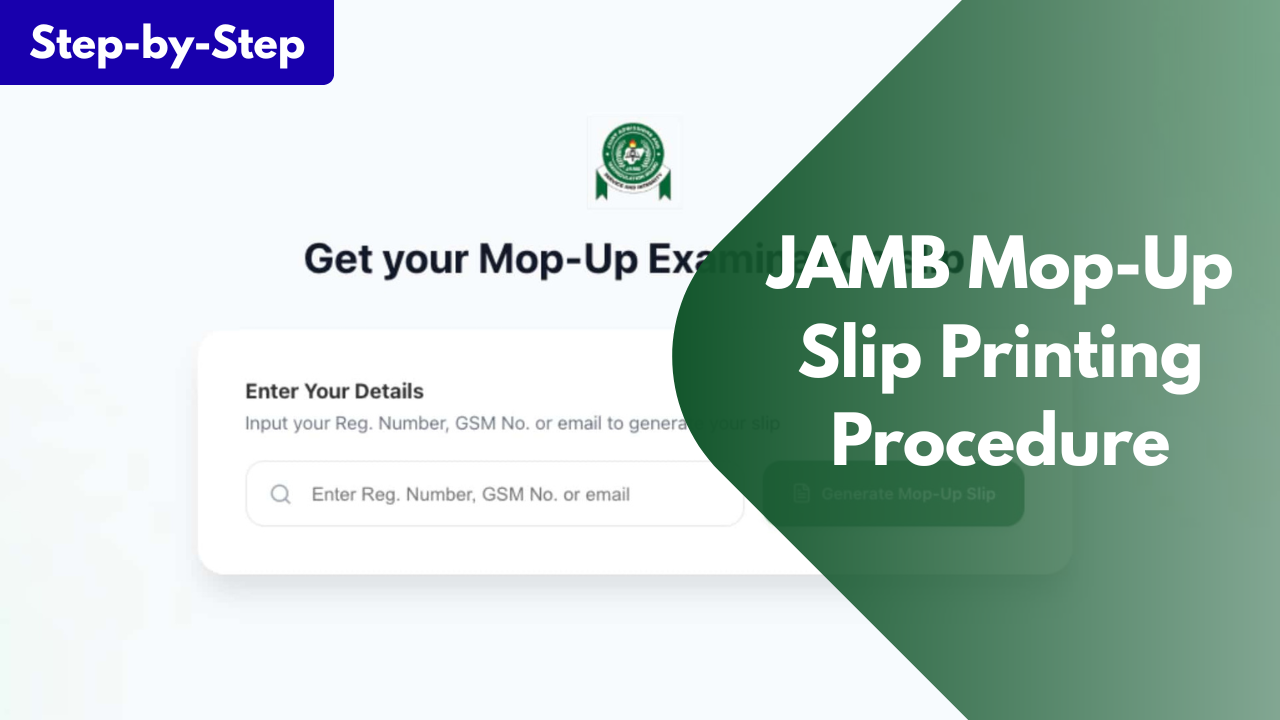
JAMB Mop-Up Slip Printing Procedure for UTME Candidates
If you have been scheduled to take the JAMB Mop-Up Unified Tertiary Matriculation Examination (UTME), one of the most important things you need to do is print your examination notification slip. This slip serves as your official exam pass and contains all the information you need for the examination, including your exam date, time, CBT centre, and other important instructions.
JAMB usually conducts a mop-up examination for candidates who were unable to complete the main UTME due to issues such as technical glitches, biometric verification problems, or other approved reasons. Once the Board announces the examination date, eligible candidates are expected to print their slips before the exam.
In this guide, you'll learn who can print the JAMB Mop-Up slip, when printing begins, the requirements, the step-by-step printing procedure, and what to do if you encounter any issues.
What Is the JAMB Mop-Up Examination Slip?
The JAMB Mop-Up examination slip, also known as the examination notification slip, is an official document issued by the Joint Admissions and Matriculation Board (JAMB) to candidates who have been scheduled for the mop-up UTME.
This slip is different from the one used during the main UTME because it contains your updated examination details for the mop-up exercise. Without it, you may not know your assigned CBT centre, examination date, or reporting time. The slip typically contains the following information:-
- Your full name
- JAMB registration number
- Examination date
- Examination time
- Assigned CBT centre
- Centre address
- Important examination instructions
Candidates are advised to print the slip as soon as it becomes available and carefully check every detail to avoid confusion on the examination day.
Requirements for Printing the JAMB Mop-Up Slip
Before attempting to print your examination slip, ensure you have the following:-
- Your JAMB Registration Number.
- The email address used during JAMB registration (if required).
- A smartphone, tablet, or computer with internet access.
- Access to a printer or a nearby cyber café where you can print the slip.
Having these ready will make the printing process quick and stress-free.
How to Print the JAMB Mop-Up Slip
Printing your JAMB Mop-Up examination slip is simple and only takes a few minutes. Follow these steps carefully:
- Visit the official JAMB Mop-Up slip printing portal.
- Enter your JAMB Registration Number or the email address used during registration.
- Click on Print Examination Slip.
- Wait for your examination details to appear on the screen.
- Carefully review the information displayed to ensure everything is correct.
- Download and print the slip.
- Print at least two copies and keep them safe until your examination is over.
After printing, read all the instructions on the slip carefully and ensure you know the exact location of your CBT centre before the examination day.
What to Do If You Cannot Print Your Slip
Sometimes candidates may experience problems while trying to print their examination slips. If this happens, don't panic.
First, confirm that you were officially selected for the mop-up examination. If you are eligible but cannot access your slip, ensure you entered the correct registration number or email address. You can also try again later if the portal is experiencing heavy traffic.
If the problem continues, visit an accredited JAMB CBT centre for assistance. The staff can help verify your eligibility and guide you through the printing process. You may also contact JAMB through its official support channels for further help if necessary.
If you found this guide helpful, share it with other candidates who may be taking the JAMB Mop-Up examination. If you have any questions, feel free to leave them in the comments, and we'll be happy to help.